NeuroChain DSL programming language with AI directly into code

Simplicity is beautiful — NeuroChain DSL makes it real. AI operations are part of the code, not hidden layers. Scripts and the CLI are the primary way to work, the WebUI is a light demo/test surface. Run ONNX models on the CPU and keep full control.

# Sentiment
AI: "models/distilbert-sst2/model.onnx"
set mood from AI: "This product is great!"
if mood == "Positive":
    neuro "👍"

Why NeuroChain DSL?

NeuroChain DSL unifies AI and logic into one language so you can build solutions smartly and simply.

ONNX / CPU

SST2, Toxic, FactCheck, Intent and MacroIntent models run on the CPU without heavy infrastructure.

Local & Offline

No external cloud layers and smaller attack surface, more control.

AI in the Code

AI built-ins are part of the syntax, no hidden layers.

# Intent
set cmd from AI: "Please stop."
if cmd == "StopCommand": neuro "Stopping process"

Lightweight

No heavy environments or unnecessary dependencies, just code and run.

WebUI Demo

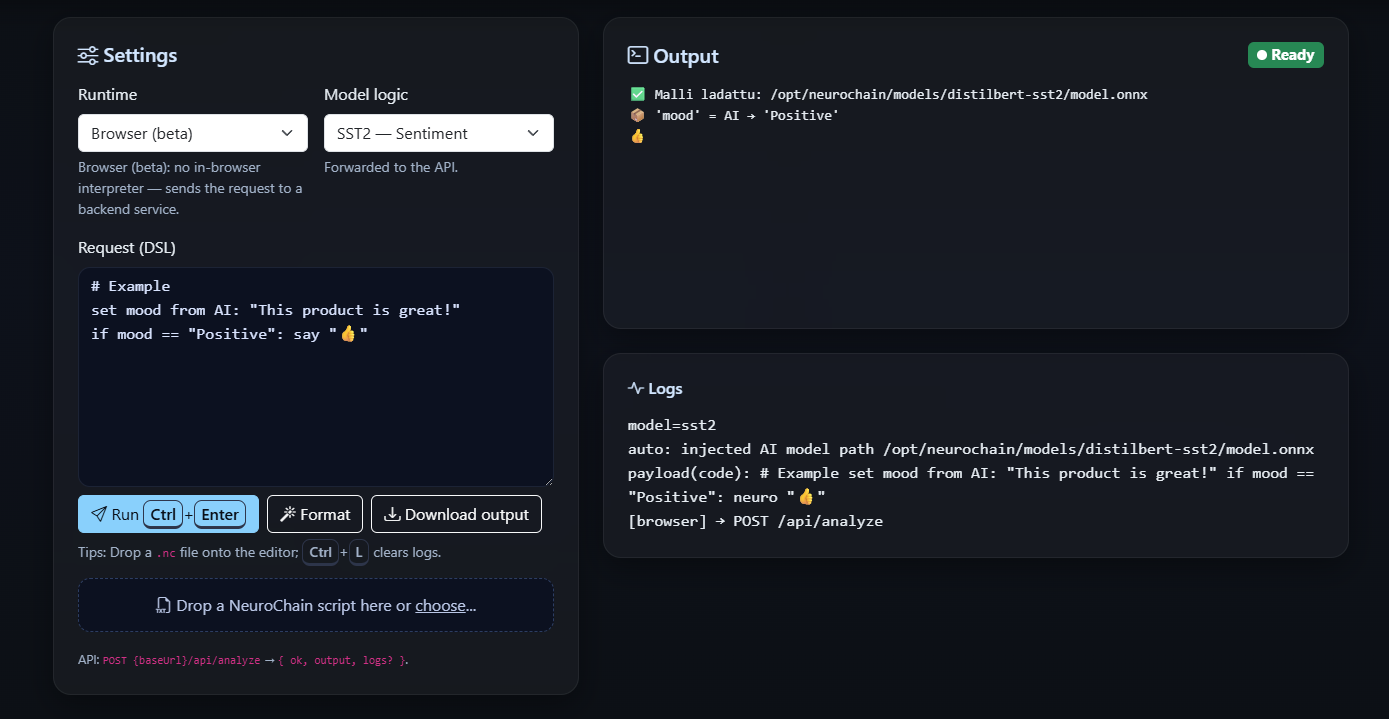
Enter NeuroChain DSL commands and run them from your browser. Pick one or many models and see output and logs instantly.

  • Model picker: SST2 / Toxic / FactCheck / Intent / MacroIntent
  • Multi-model runs (one request per selected model)
  • Drag & Drop for .nc files
  • Local API Base URL support (connect to your own server)
  • Download output & keyboard shortcuts

Snake Demo

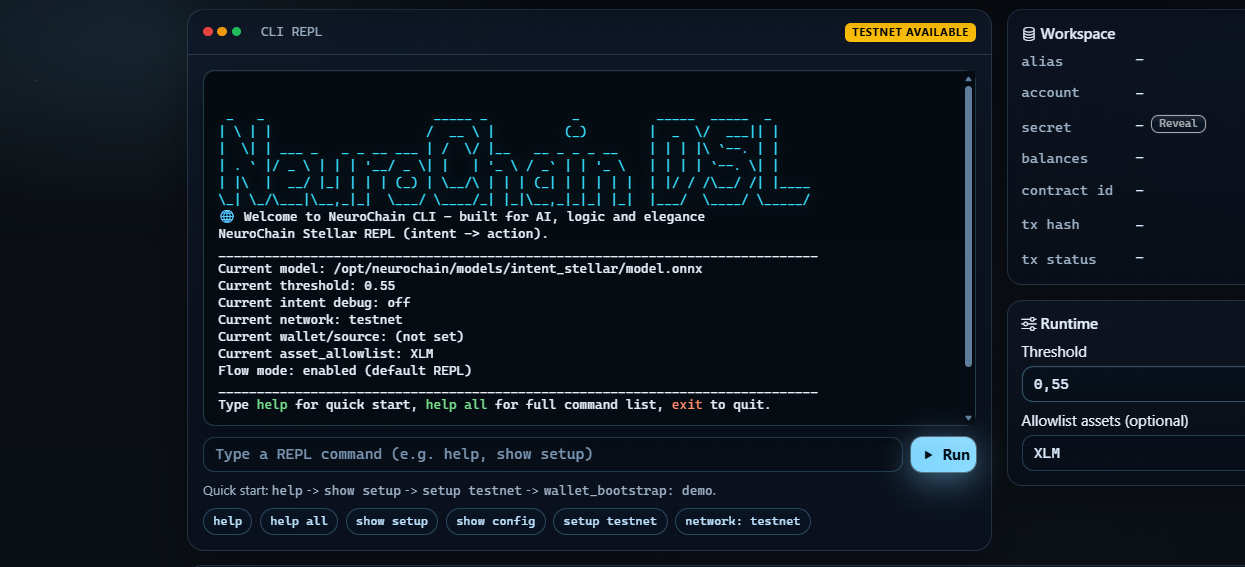
NeuroChain drives Snake in real time: the intent model reads commands and the game reacts instantly.

  • On-device ONNX models (CPU)
  • Commands: up / down / left / right / go / stop
  • Real-time decisions without the cloud

Architecture

[Engine (NeuroChain)]
Lexer → Parser → Interpreter → Inference (tract-onnx, CPU)
# Local inference — no external cloud layers

[API (Rust, Axum)]
POST /api/analyze   # parses NeuroChain DSL and runs tract-onnx inference (CPU)

Setup

  1. Try it online: stellarzerolab.art/webui — no install.
  2. Locally: clone from GitHub: stellarzerolab/Neurochain-DSL
  3. Server: run an Axum-compatible backend if needed; WebUI can point to it.

Ready to build?

Try the WebUI or add your own script and get moving right away.